Copy, edit, or delete a collection
You can copy, edit, or delete a collection to modify its contents or remove it.
|
Notes:
|
- Find and open the collection you want to work with.
- On the collection image, do any of the following:
- Select
 > Copy. A pop-up appears.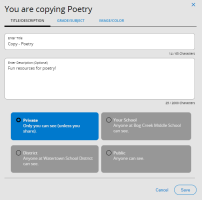
- Make any edits, and then click Save.
- Select > Edit. A pop-up appears.
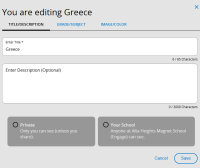
- Make any edits, and then click Save.
- Select > Delete. A message appears.
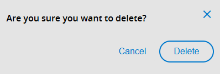
- Click Delete.
| If you want to... | Then... | |
|---|---|---|
|
Copy |
|
|
| Edit |
|
|
|
Delete
|
|